How to choose
Choosing a laptop by what each spec line actually changes
Windows 11 sets a floor of 4 GB of RAM and 64 GB of storage. Here is which specs above that floor change your day and which only change the price.
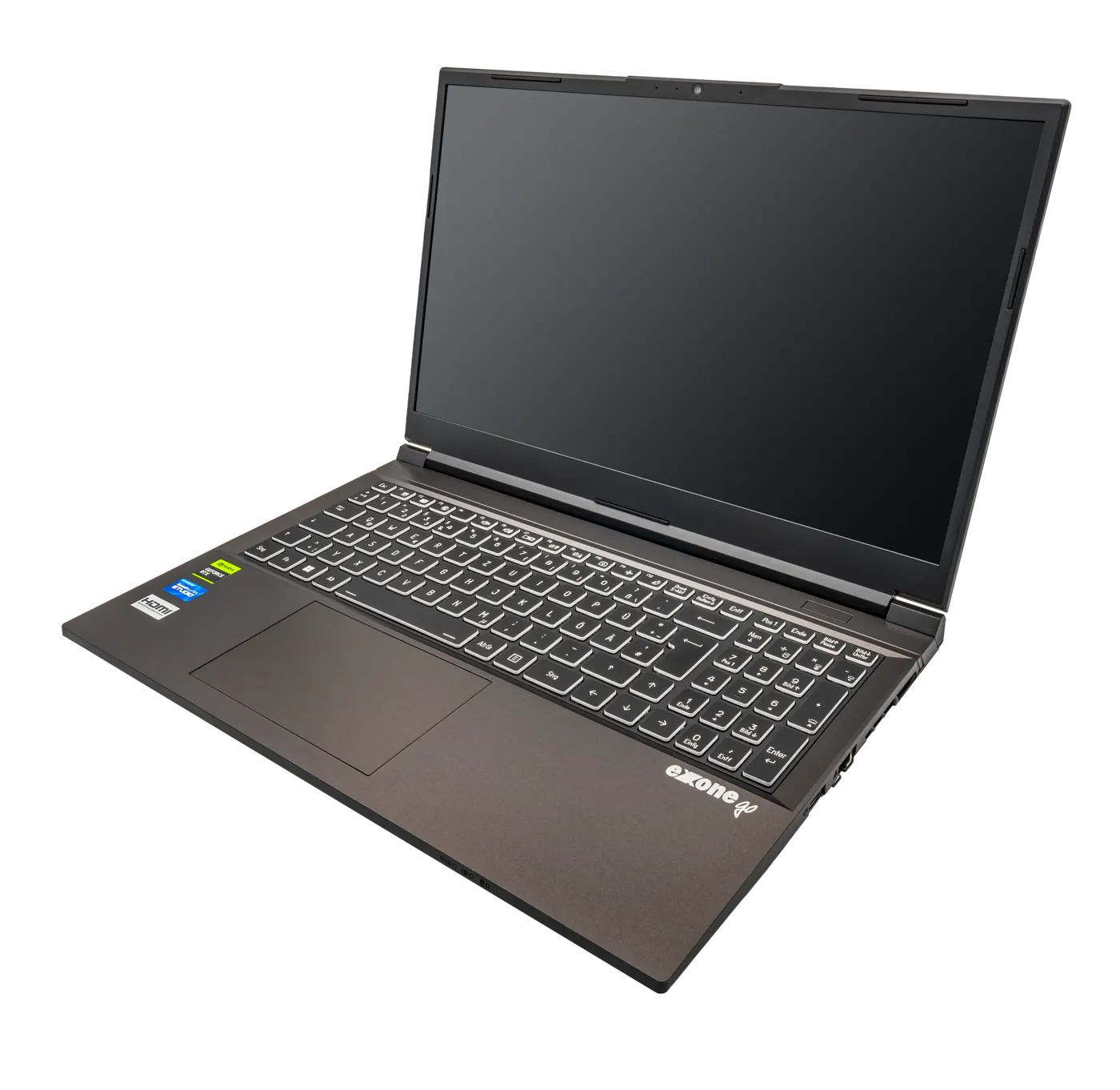
A laptop listing is thirty numbers deep and about four of them change what your day feels like. The rest describe components that are either identical across the price band or that you will never load hard enough to notice.
This guide separates the specs that are floors, the specs that are consequences, and the one date that bounds everything: how long the operating system on the machine will keep receiving updates. Prices below are labelled examples; this site carries no price feed and ranks no products.
Start with the floor Microsoft publishes, then ignore it
Microsoft's published minimum for Windows 11 is a 1 GHz or faster processor with 2 or more cores on a compatible 64-bit processor or system on a chip, 4 GB of RAM, a 64 GB or larger storage device, UEFI with Secure Boot capability, Trusted Platform Module version 2.0, graphics compatible with DirectX 12 or later with a WDDM 2.0 driver, and a high definition 720p display greater than 9 inches diagonally at 8 bits per colour channel.
Every one of those is a floor rather than a target. A machine at exactly 4 GB of RAM and 64 GB of storage will install the operating system and then spend its life short of room for updates, because feature updates need working space on the same volume they are updating.
Two of the floors are pass or fail rather than more or less, and they are the ones to check first on anything second-hand or discounted. TPM 2.0 and UEFI Secure Boot capability are either present or absent, and a machine missing them is not a slow Windows 11 machine but a machine that is not eligible for it. Microsoft also notes that Windows 11 Home and Windows 11 Pro for personal use require internet connectivity and a Microsoft account during initial device setup.
| Published minimum | Figure | How to read it |
|---|---|---|
| Processor | 1 GHz, 2 or more cores, 64-bit | A floor; core count matters more than clock for daily work |
| RAM | 4 GB | A floor; this is where buyers under-spend most often |
| Storage | 64 GB or larger | A floor; updates need free space on the same volume |
| Firmware | UEFI, Secure Boot capable | Pass or fail, not a matter of degree |
| TPM | Version 2.0 | Pass or fail; check before buying anything used |
| Graphics | DirectX 12 or later, WDDM 2.0 driver | Satisfied by almost anything current |
| Display | 720p, greater than 9 inches, 8 bits per channel | A floor well below what you will want to read all day |
Quoted from Microsoft's Windows 11 specifications page. A machine meeting every line here is eligible for the operating system, which is a different claim from being pleasant to use.
The support horizon is the spec with the longest reach
Windows 10 Home and Pro started on 2015-07-29 and reached end of support on 2025-10-14, with the listing retiring on 2025-10-15 and version 22H2 as the final version. That is a little over 10 years of monthly security updates for one operating system generation, and it is the longest clock attached to any machine you buy.
The practical consequence is that a machine's useful life is bounded by its eligibility rather than its speed. A fast laptop that cannot run the current operating system stops receiving security updates on a published date regardless of how well it performs, which is why TPM 2.0 and Secure Boot sit higher in this guide than processor generation does.
Read the lifecycle page for whichever operating system the machine ships with before you buy, and treat the end-of-support date as the far edge of the cost-per-year calculation. A machine bought 2 years before that date is a 2-year machine for budgeting purposes, whatever the warranty says.
- Check the operating system the machine ships with and look up its published end of support date
- Confirm TPM 2.0 and UEFI Secure Boot capability are present, especially on anything refurbished
- Count the years between today and that end of support date
- Use that number of years, not the warranty length, in the cost-per-year calculator
- Treat a machine with under 3 years left on the clock as a short-term purchase and price it accordingly
RAM and storage are where under-buying costs the most
Above the published floor, two specs do most of the day-to-day work. Memory decides how many things can be open before the system starts swapping to disk, and storage decides whether updates install cleanly. Both are cheap to over-buy at purchase and expensive to fix later on a machine with soldered memory.
Check whether memory is socketed before you decide how much to buy. On a machine with a spare memory slot you can start lower and add later; on a machine with memory soldered to the board, the figure you buy is the figure you keep for the machine's whole life. That one fact changes the right purchase decision entirely.
Storage type matters more than capacity at the bottom of the range. A machine with a mechanical hard disk will feel slow at every spec level because the rest of the system waits on it, and no amount of processor will compensate. Confirm the drive is solid state before comparing anything else.
| Specification | What it changes | When it is worth paying for |
|---|---|---|
| RAM above 4 GB | How many applications stay in memory | Always, and especially if memory is soldered |
| Storage above 64 GB | Whether updates and files fit | Always; the floor leaves no working room |
| Solid state rather than mechanical | How long everything waits on the disk | Always, at every price |
| More processor cores | Parallel work and background tasks | When you run builds, exports or virtual machines |
| Higher resolution display | How much text fits and how sharp it is | When you read or write all day |
| Discrete graphics | Games and GPU-accelerated rendering | Only when a specific application needs it |
The first three rows apply to every buyer. The last three depend on work you can name; if you cannot name it, the money belongs in the first three rows.
The parts of a laptop that no spec line describes
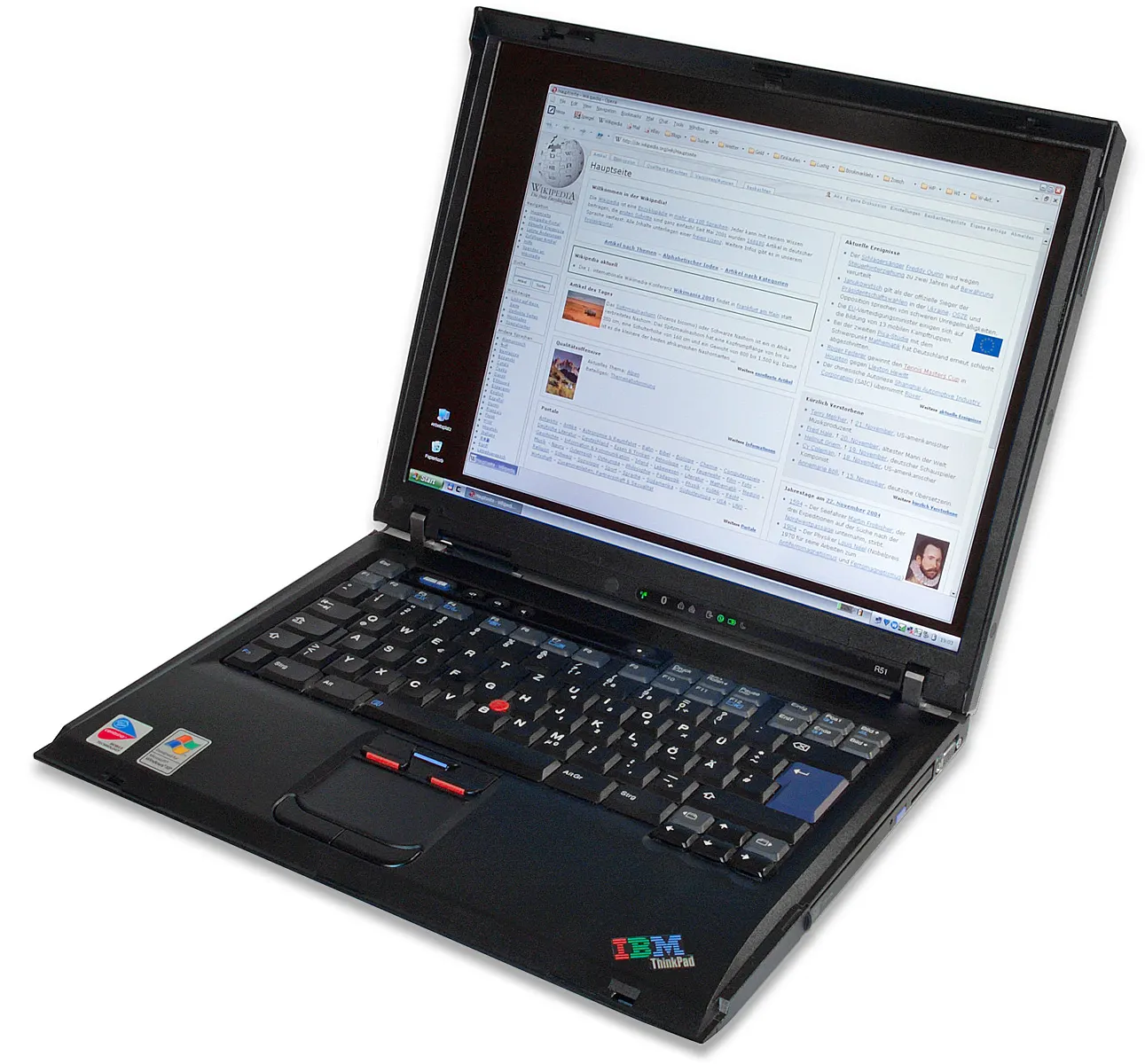
Three things decide whether a machine is still in use in year 5, and none of them appear in a comparison table. The hinge is the component most likely to fail structurally, and a machine opened and closed twice a day meets about 3,650 cycles in 5 years. Open and close a display unit in the shop and watch whether the bezel flexes.
Port selection is the second. A machine with a single port that is also the charging port forces a hub into your bag permanently, which is a real cost and an extra failure point. Count the ports you use today before deciding that two is enough.
Serviceability is the third, and it maps directly onto the cost-per-year figure. A machine with a removable bottom panel, a socketed memory slot and a replaceable battery can reach the end of its operating system's support window. A sealed machine with soldered memory and a glued battery usually will not, whatever it cost.
Before you buy
- Look up the published end of support date for the operating system the machine ships with
- Count the years between today and that date and use that figure, not the warranty, when budgeting
- Confirm TPM 2.0 and UEFI Secure Boot capability are present
- Confirm the storage is solid state rather than mechanical
- Find out whether the memory is socketed or soldered before choosing a capacity
- Count the ports you actually use today and compare that with what the machine has
- Open and close the display unit in the shop and watch the hinge and bezel
Questions readers ask
- Is 4 GB of RAM really enough for Windows 11?
- It is the published minimum, which means the operating system will install. It is not a comfortable working figure, because memory pressure pushes the system into swapping to disk and every application slows at once. The risk is highest on machines with soldered memory, where the amount you buy is the amount you keep for the machine's life.
- What happens to a machine when its operating system reaches end of support?
- Monthly security updates stop on the published date. Windows 10 Home and Pro reached end of support on 2025-10-14, having started on 2015-07-29, so that generation ran a little over 10 years. The machine keeps working and stops being patched, which is why the support date belongs in the purchase decision.
- Why does TPM 2.0 matter more than processor speed?
- Because it is a pass or fail eligibility requirement rather than a performance figure. Microsoft lists Trusted Platform Module version 2.0 and UEFI Secure Boot capability among the Windows 11 minimums. A fast machine without them is not a slower Windows 11 machine; it is outside the published requirements entirely.
- Does a higher resolution screen justify its price?
- It does when you read and write all day, because it decides how much text fits and how sharp it is at your working distance. The published floor is a 720p display greater than 9 inches at 8 bits per colour channel, which is far below what most people want for eight hours. If the machine is for occasional use, the money belongs in memory instead.
- Should I buy a refurbished machine?
- Check two things before anything else: whether TPM 2.0 and UEFI Secure Boot are present, and how many years remain on the published end of support date for the operating system it runs. Those two determine whether the machine has a future, and they are both checkable before money changes hands.
Sources
- Microsoft — Windows 11 specifications: published minimum processor, RAM, storage, firmware, TPM, graphics and display requirements — checked 2026-11-03
- Microsoft Lifecycle — Windows 10 Home and Pro: start date, end of support date and the final version — checked 2026-11-03
- ENERGY STAR — Computers: the certified product categories, which include notebooks, desktops and workstations — checked 2026-11-03
Some links on this site can earn us a commission. That does not change which product a guide recommends, and it adds nothing to your price. Advertising is not enabled on this site yet. When it is, ads will be labelled and kept visually separate from the guides.